Too many choices
Ten menu items, three buttons and a newsletter popup all competing for attention.


Getting people to your website is only half the job. If they land on a busy homepage, can’t find your number or aren’t sure what to do next, they leave. A good lead page makes one clear offer, answers the obvious questions and makes it easy to say yes. Optimrush drafts those pages for you to approve, puts every call and message in one inbox and tells you the moment a new one arrives. Good lead generation starts here.
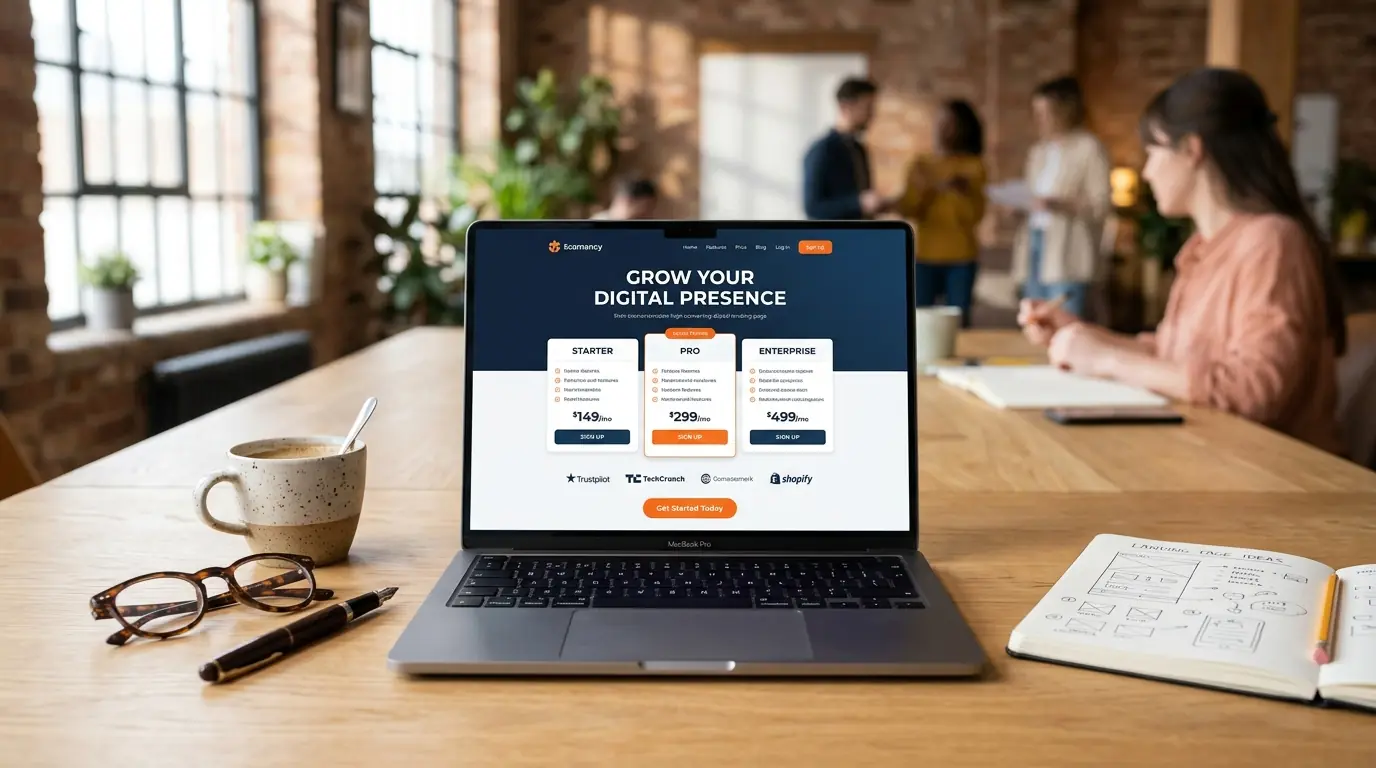
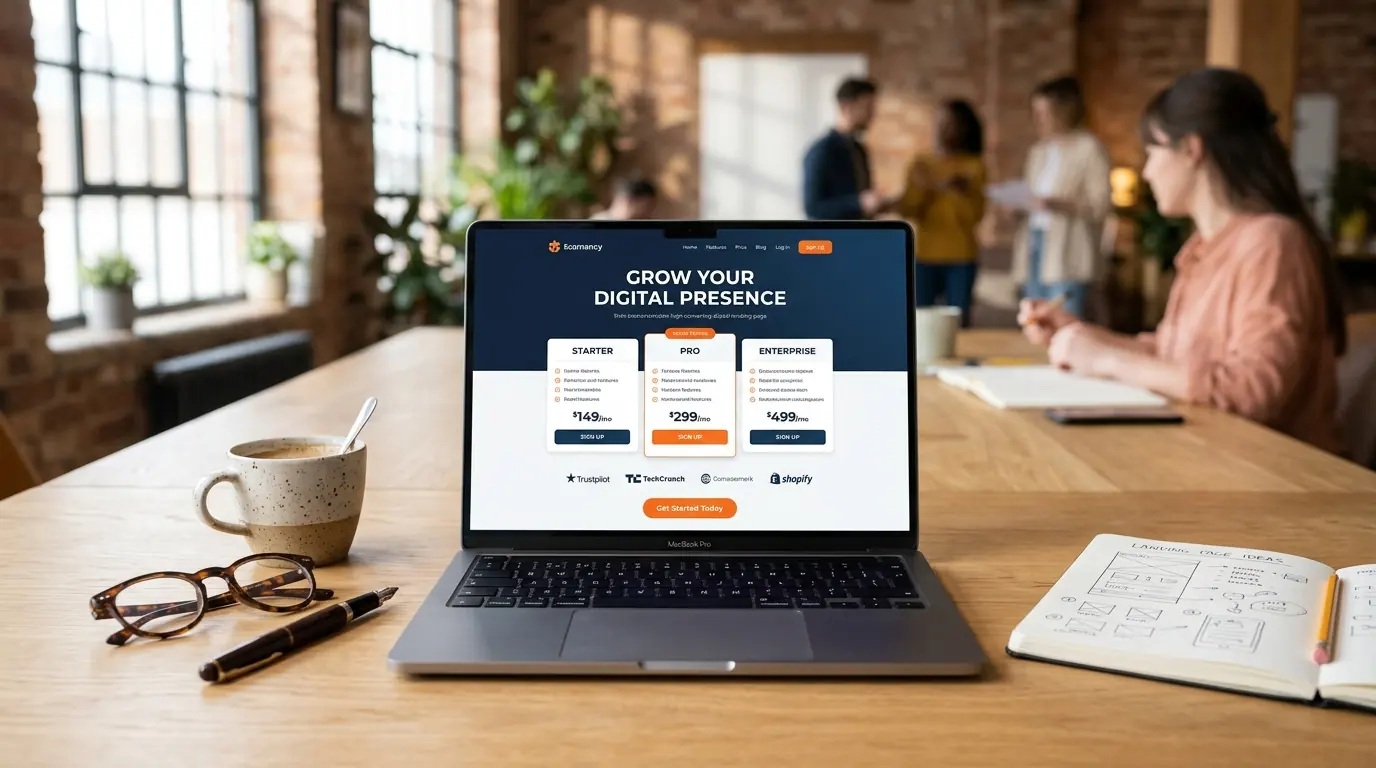
Most small business websites are built like brochures. They say a lot about the business and very little about what the visitor should do next. A visitor arrives, maybe from Google or an ad or a social post, and has a question in their head. How much does it cost? Can you do it this week? Do you cover my area? If the answer isn’t right there, along with an easy way to get in touch, they hit the back button and try someone else.
Common culprits include:
Ten menu items, three buttons and a newsletter popup all competing for attention.
Contact details hidden at the bottom or on a separate page.
Asking for twelve pieces of information before someone can even ask a question.
No prices, no idea of timings, no sign of what other customers thought.
Slow, cluttered pages on phones, where most people are browsing.
A lead page is a landing page with one job. It has one clear call to action and a short lead capture form with form spam protection, and it’s designed around conversion rate improvement (CRO), so more of your visitors get in touch. Your conversion rate is shown for each page. Behind it sits simple lead management, and instant alerts help with speed to lead, how quickly you reply, which often decides who wins the job.
Tell Optimrush what you want more of: calls, bookings, quote requests or sign ups. Pick the service or offer you want to promote. Your leads agent drafts a page around that goal, using your services, your prices and your voice.
The page builder is split into simple tabs: the offer, the image, the form, where leads should go and your address details. No design skills needed. You can see a live preview on desktop and phone as you go.
We keep forms short. Name, a way to contact you and one or two questions that actually matter. Every form is protected against spam bots, so you don’t waste time on junk.
You can publish the page on your own website address, so it looks like part of your site. Or connect it to your WordPress site directly. Each page is built to load quickly on phones and to be easy for Google and AI tools to read, because lead pages can also rank in search.
Every call and message from every lead page lands in one place. You see who it is, what they asked, which page they came from and when. Mark leads as new, contacted, won or lost so you can see where things stand.
Speed matters. People often contact more than one business, and the first to reply usually wins. Optimrush can alert you the moment a lead arrives, by email, text, WhatsApp, Slack or Teams. Choose whichever you’ll actually see.
If you use a CRM or booking system, leads can be sent there automatically. If you don’t, the Optimrush inbox works perfectly well on its own.
A small roofing company in Denver gets plenty of website visitors after storms, but most leave without getting in touch. Their homepage talks about their history and lists every type of roof they’ve ever worked on.
Optimrush builds a lead page for storm damage inspections. The headline offers a free inspection within 48 hours in their service area. It explains what the inspection covers, mentions that they help with insurance paperwork and answers common questions about cost and timing. The form asks for a name, phone number, address and a photo of the damage if they have one.
When the next storm hits, they point their Google profile and social posts at that page. New calls and messages arrive straight to the owner’s phone, and his team can call back within minutes.
Names, photos and numbers are made up to show how it works.
A lead page is a simple, focused page built around one offer. A free quote for a kitchen fitting. A first consultation at a clinic. A tasting session for wedding cakes. It has one job: get the right people to take the next step.
A good lead page usually has:
When you set up your account, you can tell us roughly how many leads you’d like each month and what a typical customer is worth to you. It doesn’t need to be exact. With those two numbers, Optimrush can show you how close you are to your goal and roughly what your marketing is bringing in. It helps you see whether things are working in money terms, not just clicks.
If you’re wondering what makes the difference between a page people ignore and one they act on, here’s the order we usually follow.
One sentence that says what you’re offering, who it’s for and why it’s worth it. “Free garden design consultation for homeowners in north Leeds, usually within a week.”
Three short steps that show what happens after they get in touch. People hesitate when they don’t know what comes next.
If you can show a price, do. If it varies, explain what it depends on and give a typical range. Hiding prices completely sends many people elsewhere.
Years in business, qualifications, guarantees, insurance and genuine reviews. Keep it short and specific.
The three or four questions you get asked every time. Answering them on the page saves you time and removes doubts.
Short and easy, repeated at the bottom so nobody has to scroll back up.
The best lead page in the world can’t fix a slow reply. Many people contact two or three businesses and go with whoever gets back first. That’s why Optimrush puts so much weight on alerts. Choose the channel you check most, and if you can’t reply straight away, set up a short automatic message that tells people when you will.
Lead pages aren’t just for ads. A well written lead page for a specific service can rank on Google and be quoted by AI tools, because it answers a clear question: what is this, how much is it, and how do I get it? Optimrush builds each page with a clear title, a plain description, structured data and a short questions section, so it’s useful for search as well as for people. Over time, your best lead pages can become some of the busiest pages on your site.
Sometimes a small change makes a big difference. A different headline, a shorter form or a price shown up front. Optimrush can suggest changes based on how your pages perform, and you can try a new version and compare. You’ll see which one brings in more calls and messages, in plain numbers, before deciding which to keep.
If you don’t have a website yet, a lead page can be your first one. It gives you a professional place to send people from your Google profile and social media while you decide what else you need.
Still have a question? A real person will answer, usually the same day.
Give visitors one clear offer, answer their main questions on the page, make it easy to get in touch and reply fast. Lead pages are built to do exactly that.
No. Lead pages work alongside your existing site, on your own web address.
Custom lead forms and pages are included on our Growth plan ($229/mo) and Enterprise plan. See pricing for details.
Every form is protected by spam filtering that blocks bots without making real people solve puzzles.
Yes. Lead pages work well as the destination for Google or social media ads, because they’re focused on one offer.
Leads are stored securely and only people you invite to your account can see them. You can export or delete them at any time.

Run a free check to see how easy it is to contact you from your site, and where you’re losing people.
Free. No signup. No card.
 WordPress
 Slack
 WhatsApp