

Why your business isn’t showing on Google Maps (and how to fix it)
You search for your own service in your own town, and your business is nowhere to be found on Google Maps. Meanwhile, competitors with worse websites and fewer reviews are sitting comfortably in the top three spots. Here are the 7 real reasons you aren't showing up, and how to fix each one.
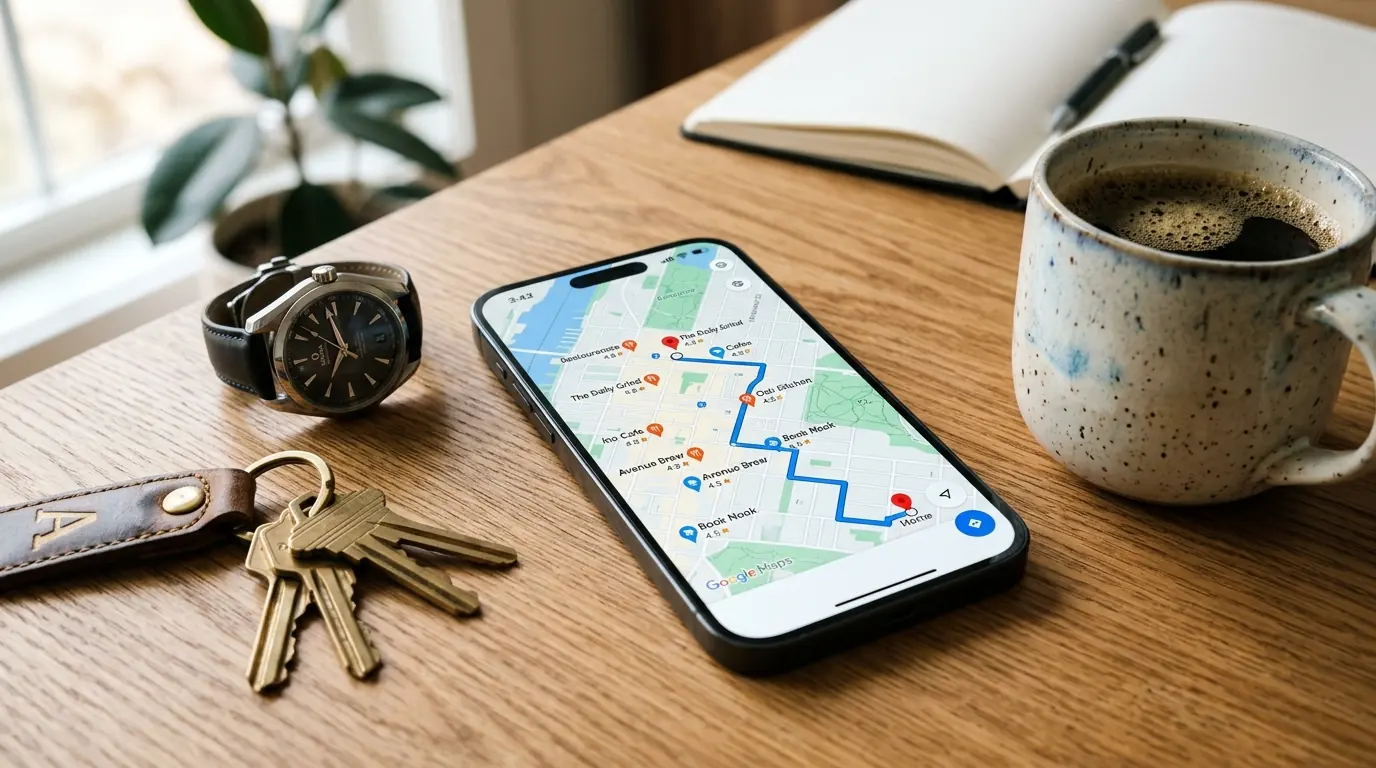
How Google Maps actually ranks local businesses
Google Maps ranking isn't random. According to Google's official documentation, local search results are determined primarily by three factors:
- Relevance: How closely your Google Business Profile matches the search term the user typed.
- Distance: How far your business address or service boundary is from the user or the town they specified.
- Prominence: How well-known, trusted, and verified your business is across the web, based on reviews, directory listings, articles, and backlinks.
If you fail in any one of these three pillars, your map pin gets buried under pages of competing listings. Let's look at the 7 specific mistakes that trip up local businesses most often.
Never change your business name or primary address on a Friday afternoon. Edits to core details often trigger an automated Google re-verification check that temporarily hides your pin over the weekend when call volumes are highest.
Culprit 1: Unverified profile or pending re-verification
In recent years, Google has become much stricter with spam prevention. If you haven't completed Google's video verification or if you changed your business address or legal name recently, Google may quietly downgrade your profile to “pending verification” or “soft suspension”.
When this happens, your profile remains visible when someone searches your exact brand name, but you are completely excluded from category searches like “electrician near me”. Log into your Google Business Profile dashboard. If you see a warning badge that says “Verification needed” or “Changes pending review”, complete the video verification immediately using your mobile device showing your business vehicle, street sign, and trade tools.
Culprit 2: Choosing the wrong primary category
Your Primary Category is the single heaviest ranking factor on Google Maps. If you run a roofing business and you set your primary category to “General Contractor” because you also do loft conversions, Google will show roofing companies with “Roofing Contractor” ahead of you every single time.
Look at the top three businesses that rank in the local map pack for your top keyword. Note their primary category. If they all use “Dentist” and you have “Dental Clinic”, switch yours to match. Use your secondary categories (you can add up to 9 secondary categories) to capture your ancillary offerings like cosmetic dentistry, dental implants, or teeth whitening.
Culprit 3: Address and NAP mismatches across citations
Google cross-checks your business address with other directories across the internet. If your Google profile says “Unit 4, 12 Station Road”, but Yelp says “12 Station Rd” and your Companies House or Yellow Pages listing still lists your old home address from three years ago, Google's algorithm detects a discrepancy.
When Google isn't 100% confident about your physical location, it avoids recommending you to users nearby. Audit your citations on Apple Maps, Bing, Yelp, Facebook, and industry trade directories to ensure identical spelling, suite numbers, and telephone formats.
Culprit 4: Hiding your address incorrectly
If you run a service-area business (such as a mobile locksmith, mobile mechanic, or pest control operator) and you don’t have a storefront with permanent signage, Google guidelines require you to hide your physical residential address and set a service boundary.
However, many owners make the mistake of selecting a service area that covers the entire country or a 200-mile radius. Google knows a local locksmith cannot service customers 150 miles away in 30 minutes. Setting an unrealistic service area dilutes your local relevance. Keep your service area within a realistic 30 to 45-minute drive time (usually 10 to 20 specific towns or postal districts).
Culprit 5: Keyword stuffing your business title
Some business owners try to cheat the system by changing their Google Business Profile name from “Smith & Sons” to “Smith & Sons - Best Emergency Plumber Birmingham Cheap Fast Heating Repair”.
While this used to work years ago, Google's automated filters now penalize or suspend profiles with spammy business names. Furthermore, competitors can easily suggest an edit or report your profile to Google with one click. Use your genuine registered business name. Win the map pack through real reviews, categories, and website relevance instead of spam tactics.
Culprit 6: Review stagnation and low velocity
Google Maps prioritizes active, growing businesses. If your competitor has 45 reviews and got 4 new reviews this month, while you have 80 reviews but haven't received a new one since 2024, Google views your competitor as more relevant to modern searchers.
Steady review velocity—gaining 1 to 3 genuine reviews every single week—signals to Google that you are open, active, and consistently delivering great service. Read our guide on how many reviews you need to compete locally.
Culprit 7: The physical distance and proximity barrier
Remember that Google Maps tailors results to where the searcher is physically standing when they search. If you search for your business while sitting at your kitchen table 8 miles outside of town, Google will show businesses closer to your house, not the town center.
To see how you truly rank across your entire city, use a local rank grid tool or check search results from different postcodes. If you are physically located far on the outskirts of your target town, you will need significantly stronger prominence (more reviews, local press mentions, and localized website content) to outrank businesses located right in the town center.
A 15-minute Google Maps audit checklist
- Check verification status: Ensure your Google Business Profile has no pending alerts or verification warnings.
- Verify primary category: Compare your category with the top three ranking local competitors.
- Audit opening hours: Ensure your phone number, website link, and business hours match your actual website.
- Add secondary categories: Add up to 5 specific secondary service categories that describe your work.
- Upload 5 new photos: Add real photos of recent jobs, tools, or staff members taken with a mobile phone.
- Request 3 new reviews: Send your direct Google review link to customers you served this week.
Frequently asked questions
Why did my business pin suddenly disappear from Google Maps?
The most common triggers are: an automated verification check triggered by editing your address or business name, an algorithmic filter due to keyword stuffing, or duplicate profile listings created by an employee or agency. Check your Google Business dashboard to see if your status says 'Suspended' or 'Action required'.
Can I rank on Google Maps in a town where I don't have a physical address?
It is challenging because Google prioritizes proximity. While you can add adjacent towns to your Service Area, businesses with physical addresses in that town usually rank higher for searches inside that municipality. Creating strong local service landing pages on your website helps bridge this gap.
How many photos should I have on my Google Business Profile?
Aim for at least 25 to 30 high-quality photos to start, and add 2 to 4 new photos each month. Listings with regular photo uploads receive significantly more calls, direction requests, and map impressions.
Does paying for Google Ads improve my organic Google Maps ranking?
No. Google Ads and Google Maps organic rankings are completely separate systems. Running Google Ads will not improve your organic map pack placement.


Not sure where to start?
Run a free check and get your top three fixes in plain words.
Free. No signup. No card.